Home » FULL STACK WEB APPLICATION USING SPRING BOOT AND REACT
FULL STACK WEB APPLICATION USING SPRING BOOT AND REACT
DESCRIPTION OF PROJECT STRUCTURE, MODELS AND DEPENDENCIES IMPLMENENTED.
What is Spring Boot?
Spring Boot is an open-source Java framework used to create a Micro Service. Spring boot is developed by Pivotal Team, and it provides a faster way to set up and an easier, configure, and run both simple and web-based applications. It is a combination of Spring Framework and Embedded Servers. The main goal of Spring Boot is to reduce development, unit test, and integration test time and in Spring Boot, there is no requirement for XML configuration.
Why we use Used Spring boot
Component-Based: Angular’s architecture revolves around components, which are reusable building blocks that encapsulate a specific section of the user interface, including its logic and presentation.
Data Binding:Angular offers two-way data binding, which automatically synchronizes the model data with the view, reducing the need for manual updates.
Routing: Angular provides built-in routing capabilities, allowing you to navigate between different views and sections of your application.Opens in new Angular provides built-in routing capabilities, allowing you to navigate between different views and sections of your application.
Scalability:Angular is designed to handle complex applications and large teams, providing features like dependency injection, modules, and tooling to support scalability.
Applications tools and Softwares Needed for the project.
Springboot, REACT, sqlwork bench, mysql.
Intellij ide,
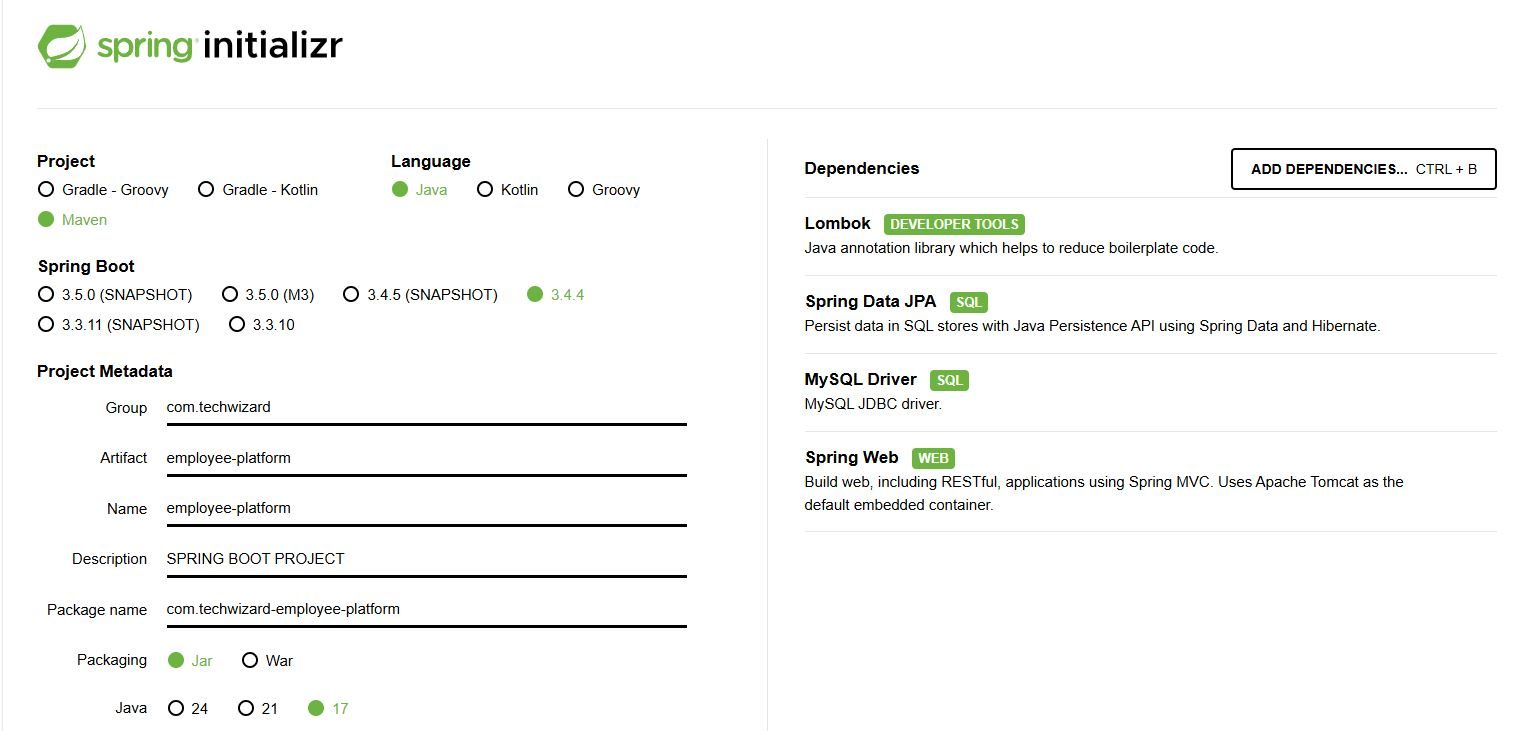
Dependencies that have been added to the packages. Lombok, spring web, spring Data JPA, mysql driver.
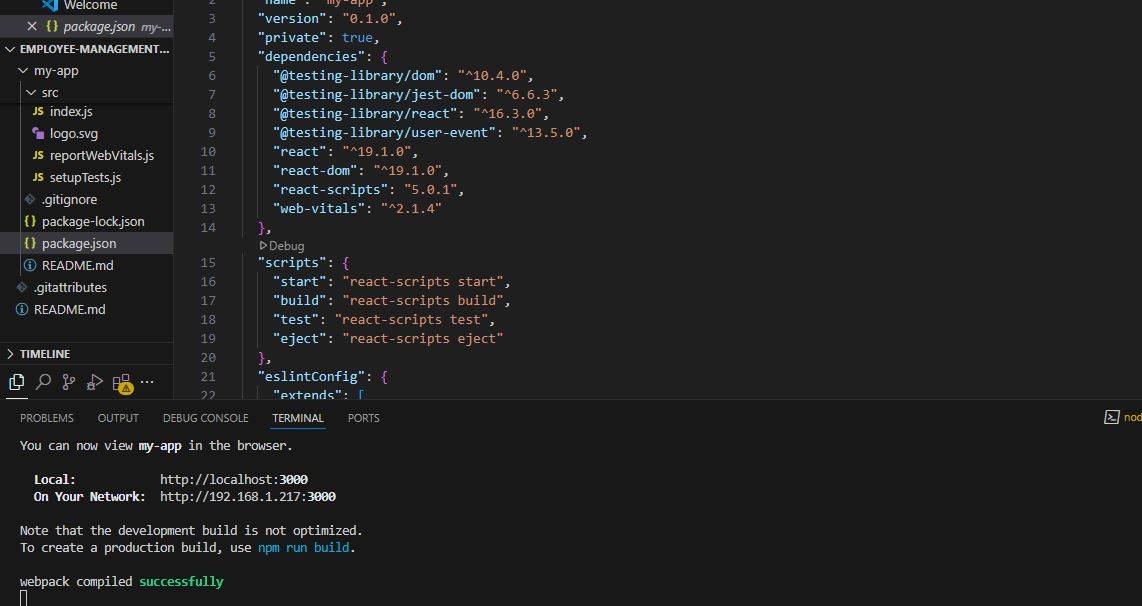
For spring boot application you need java installed and for react application you need node installed
1. setting up your project with the spring boot initializer for our backen
2. creating a react project setup for our front end documentations
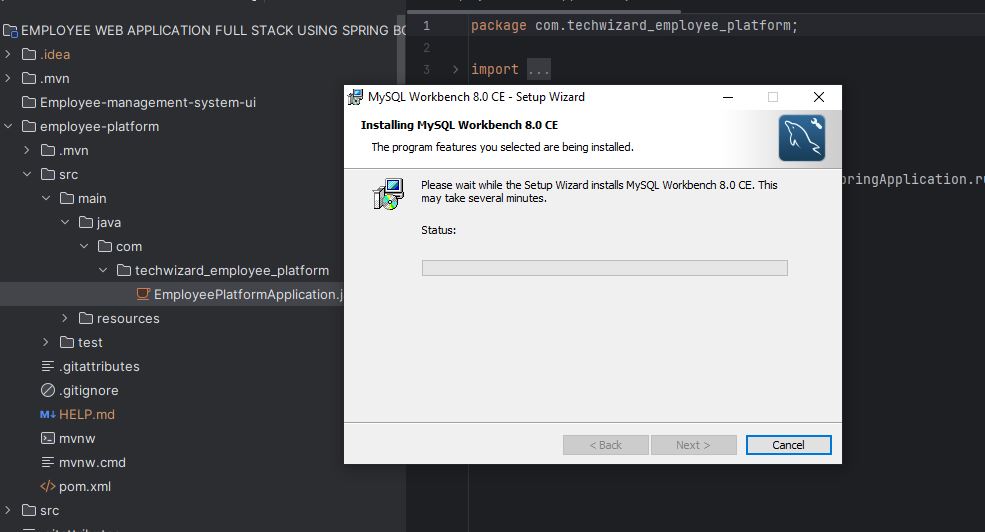
3. Installation of sql workbench to assist with data handling with the sql database
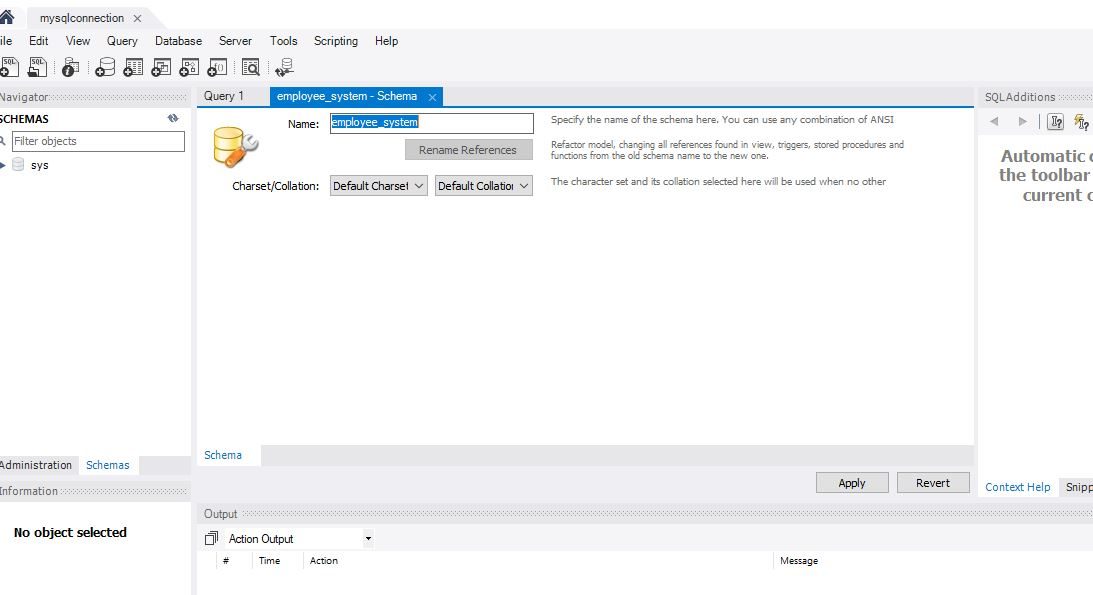
4. Setting up a schema within our sql workbench after creating connection
Some subnets were already available within the vpc before creating additional subnets. Nb: These were automatically created when an Ec2 instance was initiated
Subnets have officially been created.
The achitecture below shows how an internet gateway is connected to VPC
An internet gateway was already created and this was is a default service that was created by the VPC
Go to the dashboard and create an internet gateway in addition to the default one already created
Visual description shows success of a creation of an Internet gateway.
Visual description of the impact of a VPC and its connection to internet gateway
Navigate to the VPc’s dashboard to see the current vpc’s available