Home » REAL ESTATE WEB APPLICATION WITH ANGULAR AND REACT
REAL ESTATE WEB APPLICATION WITH ANGULAR AND REACT
DESCRIPTION OF PROJECT STRUCTURE, MODELS AND DEPENDENCIES IMPLMENENTED.
This project was carried out to build a single page real estate web application with react with Angular ( TypeScript-based, open-source web application framework developed by Google.). Why we use Angular
Component-Based: Angular’s architecture revolves around components, which are reusable building blocks that encapsulate a specific section of the user interface, including its logic and presentation.
Data Binding:Angular offers two-way data binding, which automatically synchronizes the model data with the view, reducing the need for manual updates.
Routing: Angular provides built-in routing capabilities, allowing you to navigate between different views and sections of your application.Opens in new Angular provides built-in routing capabilities, allowing you to navigate between different views and sections of your application.
Scalability:Angular is designed to handle complex applications and large teams, providing features like dependency injection, modules, and tooling to support scalability.
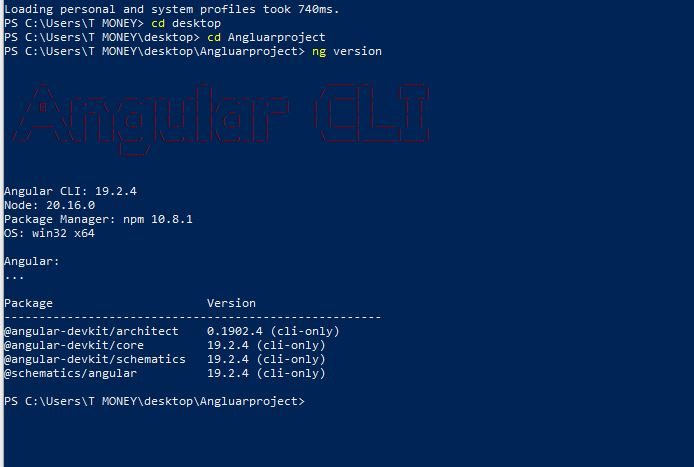
Initial setup of your project at the windows command line after creating your project folder and navigating into it.
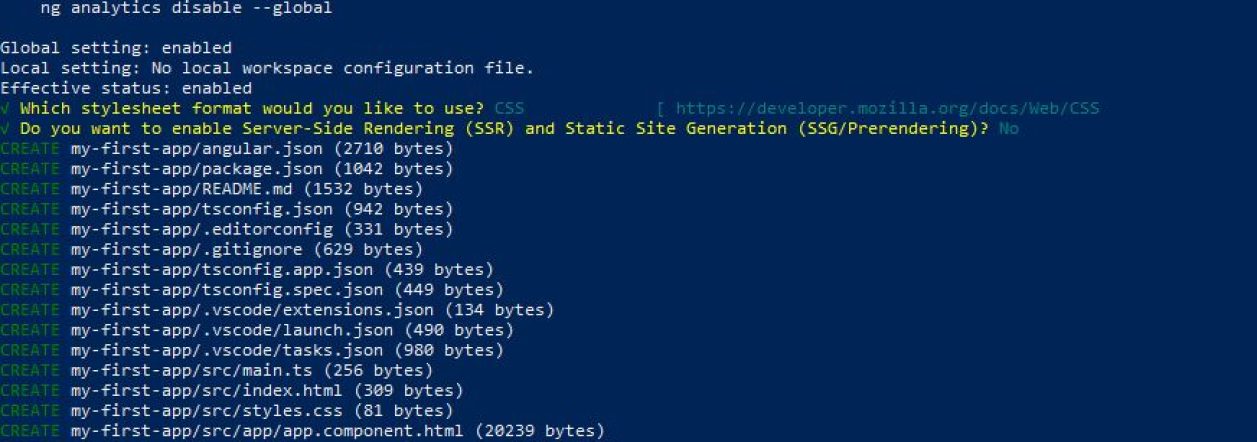
2. main application folder has been created at the command line
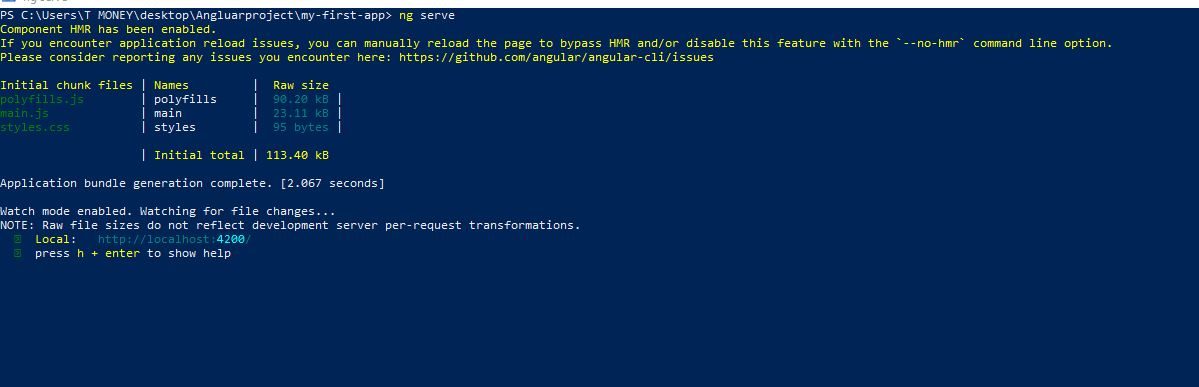
3. We run the ng serve with the command ng serve –open which automatically opens the local host for project visualization.
4. Bootstrap is integrated within the angular json section of the files
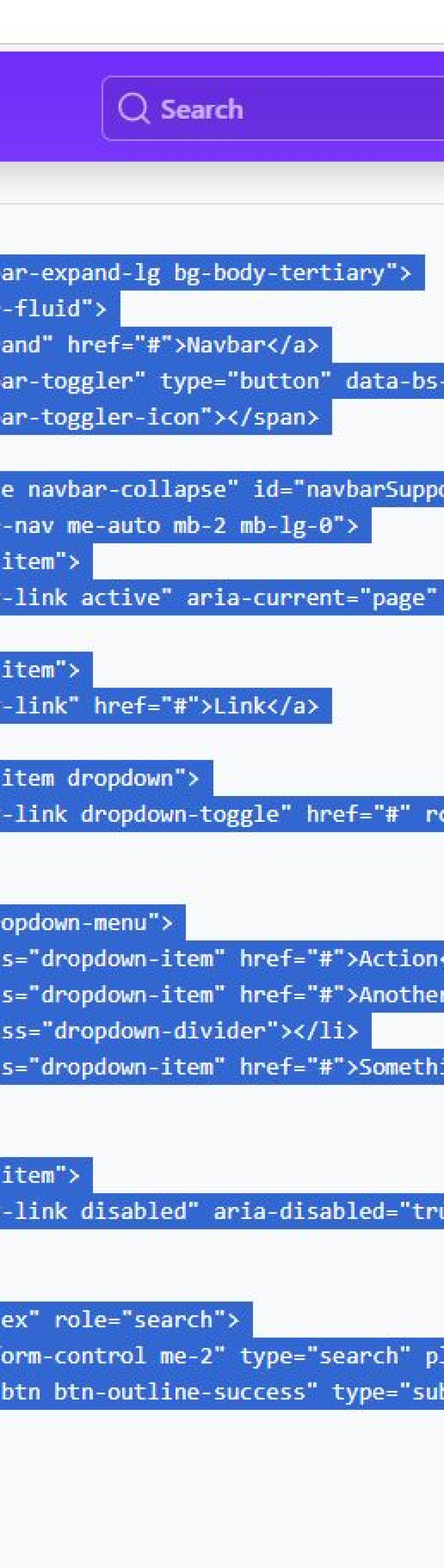
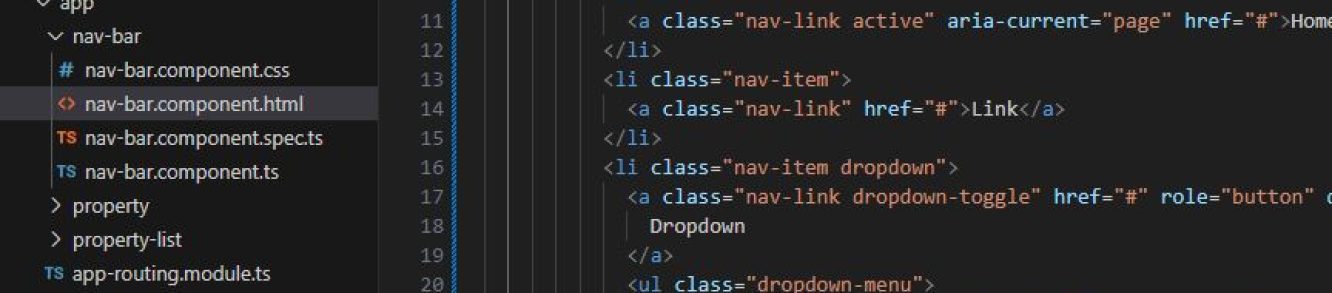
5. navigate to the html section of the navbar component and paste the title code
6. Property object are defined before using it in our html file
7. String interpolation are integrated b adding a double curly braces
8.Components are added to the model which are declared in the html file.
9. Created components in the property card.
10 setting up an array to store variables
11. using the ngor function to loop through the set of list